
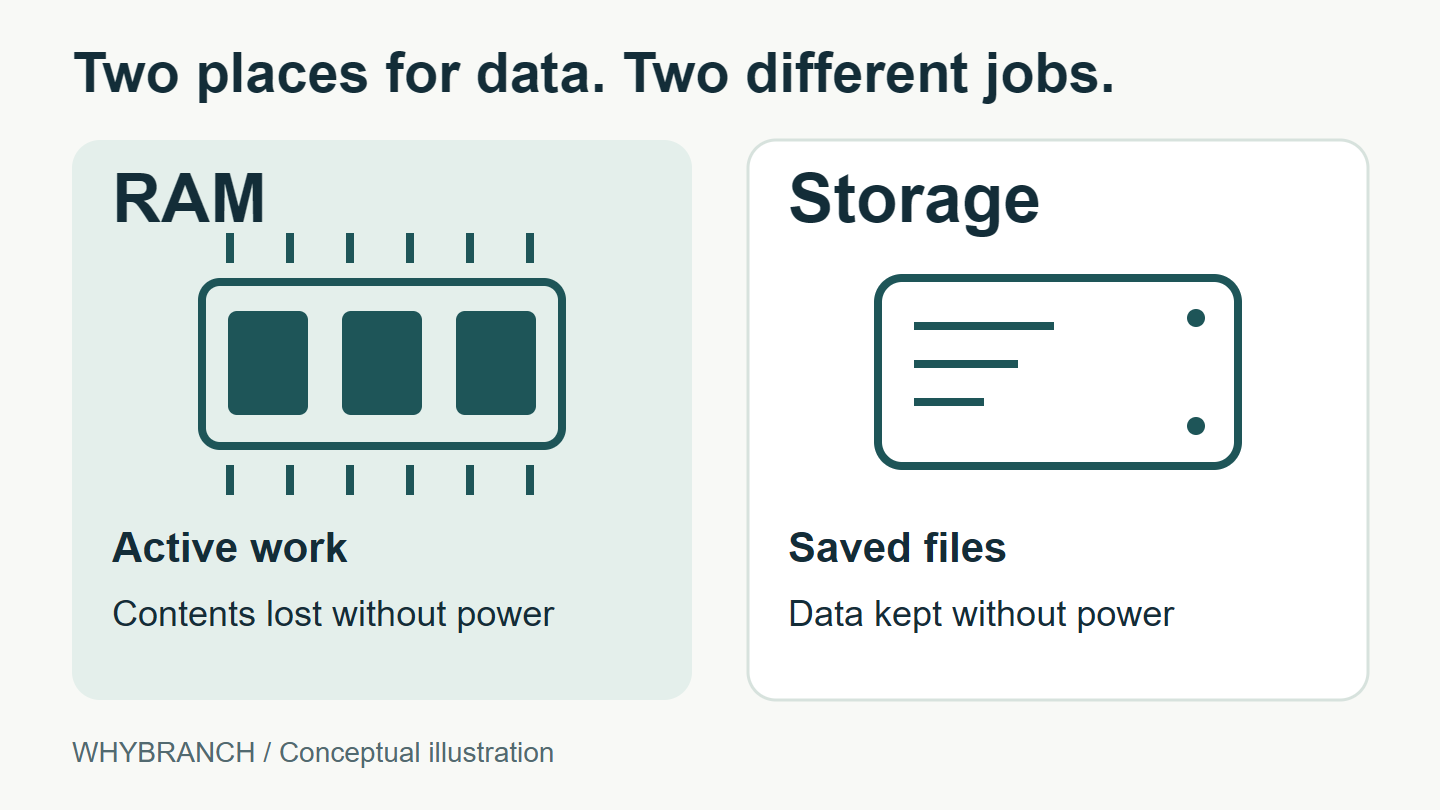
RAM holds the working data your computer needs while apps are running. Storage keeps your apps and saved files when the power is off. Both hold data, but they do different jobs: RAM gives the processor quick access to work in progress, while storage keeps things available for later.
That’s why a computer might have 16 GB of RAM and 512 GB of storage. Those are two separate capacities. You can have plenty of room for photos and still run short of memory while using several demanding apps.
RAM and storage at a glance
| Feature | RAM | Storage |
|---|---|---|
| Main job | Hold data for active work | Keep apps and saved files |
| Typical hardware | Memory chips | SSD or hard drive |
| Without power | Working contents are lost | Saved data remains |
| Access speed | Much faster | Slower than RAM |
RAM stands for random-access memory. In everyday computer specifications, “memory” usually means RAM. Storage generally means the solid-state drive (SSD) or hard disk drive (HDD) holding the operating system, installed software, and files.
What happens when you open and save a file?
Imagine opening a saved document and adding a paragraph. The original file is on your drive. The app loads the data it needs into RAM, where it can work with it quickly. Opening the file doesn’t remove the saved version from storage.
As you type, the app holds your work in memory. Saving writes the changes to storage so you can retrieve them later. Some apps save automatically; others need you to press Save. AutoSave in Microsoft 365, for example, depends on the app and where the file is kept.
Ordinary computer RAM is volatile: it needs power to retain its contents. An SSD or hard drive is non-volatile, meaning saved data can remain without power.
If power is lost before your new paragraph has been saved, those changes may be lost. The earlier saved document can still be on the drive. Recovery features sometimes help, but having more RAM doesn’t make unsaved work permanent.
Why both are measured in GB
Gigabytes measure an amount of data. The unit doesn’t tell you what the component does. In the illustrative 16 GB RAM / 512 GB storage example, the first figure describes capacity for working data; the second describes capacity on the drive.
Those figures don’t combine into one pool of space. Installing a larger drive gives you more room for saved files. Adding RAM gives the computer more room for data it needs to access quickly while working. A larger number in one column doesn’t increase the other.
What a shortage of each looks like
With limited RAM, switching between demanding apps can become sluggish. Having room for active data in RAM helps the computer handle several tasks at once. The amount needed depends on the work those apps are doing.
An operating system can also use drive space to support memory management. Windows, for example, can move infrequently used modified data from RAM to a page file. This makes room for active work, but it doesn’t turn an SSD into additional physical RAM.
When a drive fills up, saving a new file or installing software can fail for lack of space. Deleting an old video can free drive space without changing how much RAM is installed. Closing an app can release working memory while leaving its installed files on the drive.
Sources and illustration
The linked sources are hardware manufacturers’ explanations and Microsoft’s documentation. The illustration is an original Whybranch diagram showing the two roles; it does not represent a particular computer’s layout or performance.